Data under control
Documents, contracts and knowledge bases are not sent to an external model provider and are not used to train third-party systems. This makes it easier to meet GDPR requirements and protect trade secrets.

Private AI by PCS
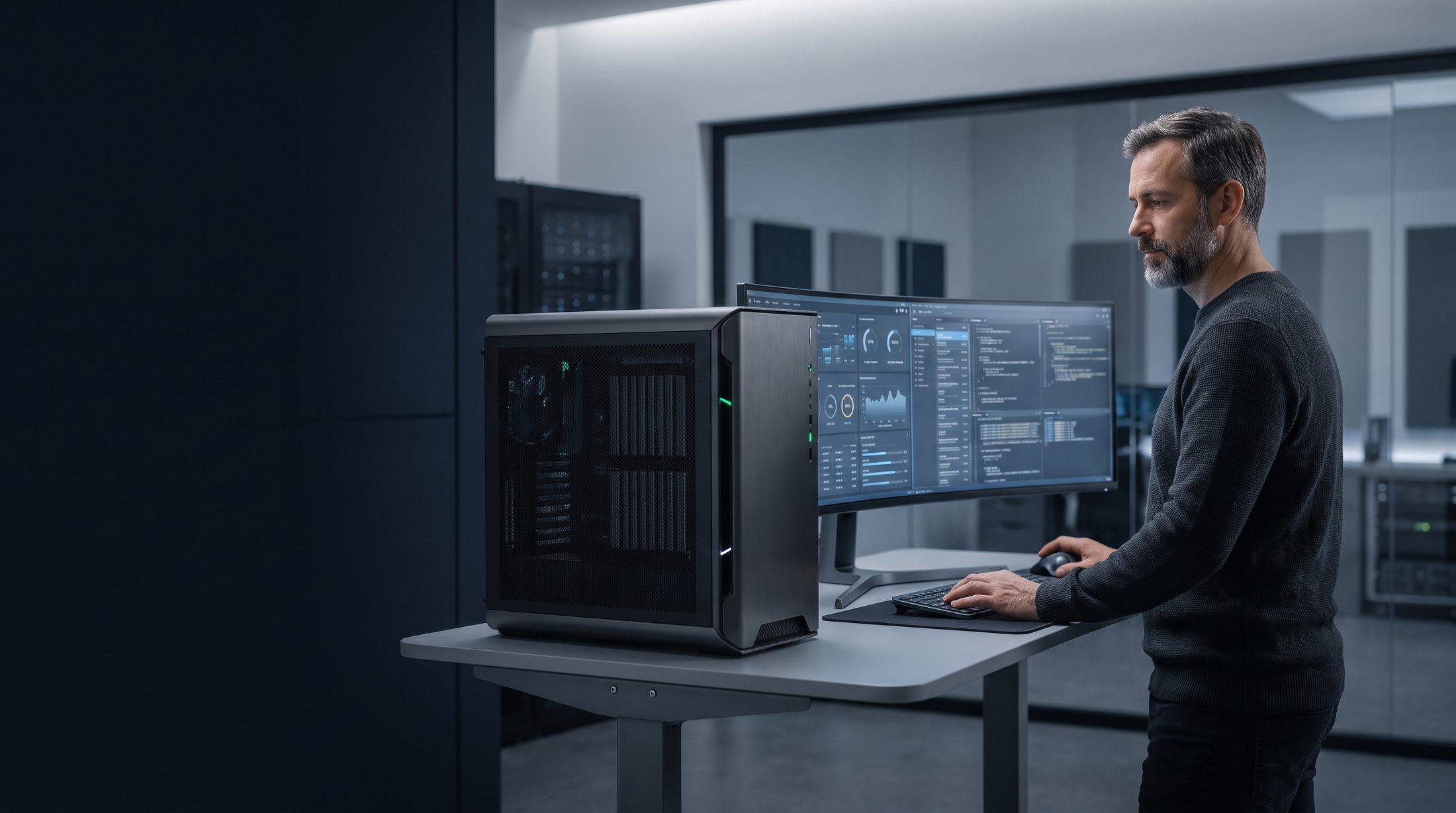
We design and deploy private AI workstations and GPU servers with language models, a company knowledge base and access control. Everything runs on your network — without sending documents to external services.
AI in your environment
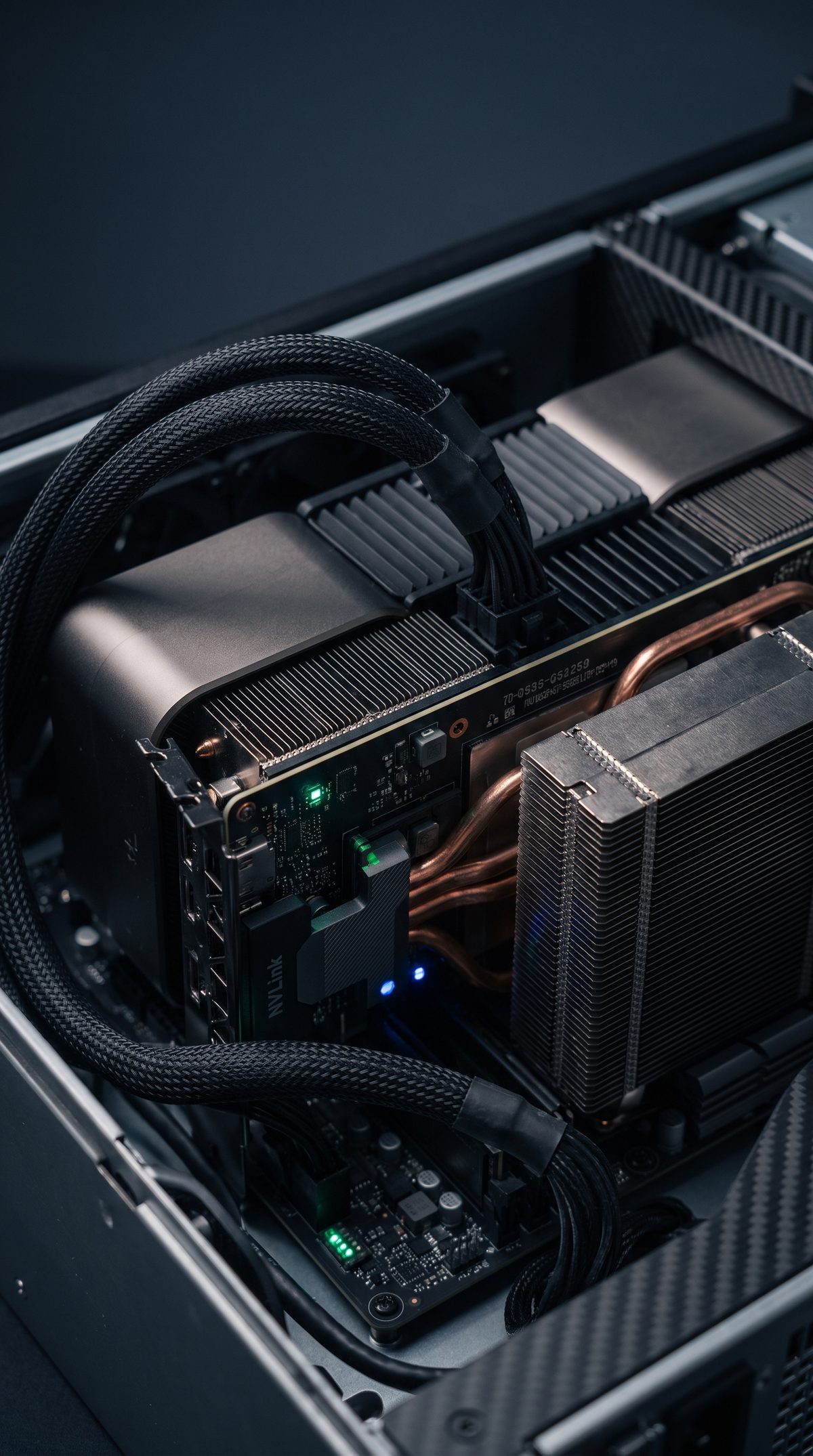
Private AI is part of an organization’s infrastructure: it needs properly sized compute resources, data, networking, access control, backup and administration. PCS designs these elements as a single whole. We make sure that from day one the workstation works with your network, your Active Directory domain and your backup system — as part of your infrastructure, not an add-on sitting next to it.
You get more than a machine — you get a ready-to-use environment: selected models, a chat interface for employees, connected document sources, sign-in with company accounts, backup and monitoring. Every configuration undergoes 72-hour stress testing before delivery, and quiet configurations (< 40 dB(A)) let you place the workstation in the office — no separate server room required.
Why local
A local environment gives you room to use AI responsibly where data, cost and performance really matter.
Documents, contracts and knowledge bases are not sent to an external model provider and are not used to train third-party systems. This makes it easier to meet GDPR requirements and protect trade secrets.
A one-time hardware investment instead of per-seat or per-query fees. Cost doesn’t grow with usage — the more your team works with AI, the lower the cost per query.
Response times don’t depend on the load on someone else’s cloud or on API limits. The environment runs on your network — even when your internet connection is down.
Permissions inherited from Active Directory mean the assistant sees only the documents a given employee has access to. AI uses company data and systems without bypassing security policies.
Configurations
We match the configuration to the type of models, data volume, number of users and your expected growth path.
For a specialist or small team that wants to work with a local language model, data analysis, images and prototypes.
Typically: 1 GPU (e.g., RTX PRO with 96 GB of VRAM) or DGX Spark, models up to approx. 70 billion parameters, 1–5 users.
For departments that need a shared environment for working with models, documents and compute jobs.
Typically: 2–5 GPUs, from a dozen to several dozen concurrent users, a shared departmental knowledge base. The 5-GPU configuration can run larger models.
For larger models, multiple processes and developing your own AI solutions within your company infrastructure.
Typically: multi-GPU servers and DGX-class nodes, the largest models, many services running in parallel, API integrations with company systems.
What goes into the environment
The GPU matters, but only as part of a well-matched system: with memory, data, networking, power and a runtime environment.
Software layer
We build the environment on open models and software, with no lock-in to a single vendor. You can swap a model or add another one when a better one for the task comes along.
Use cases
We don’t build models for the sake of technology. The starting point is a process that can be improved and data that can be used safely.
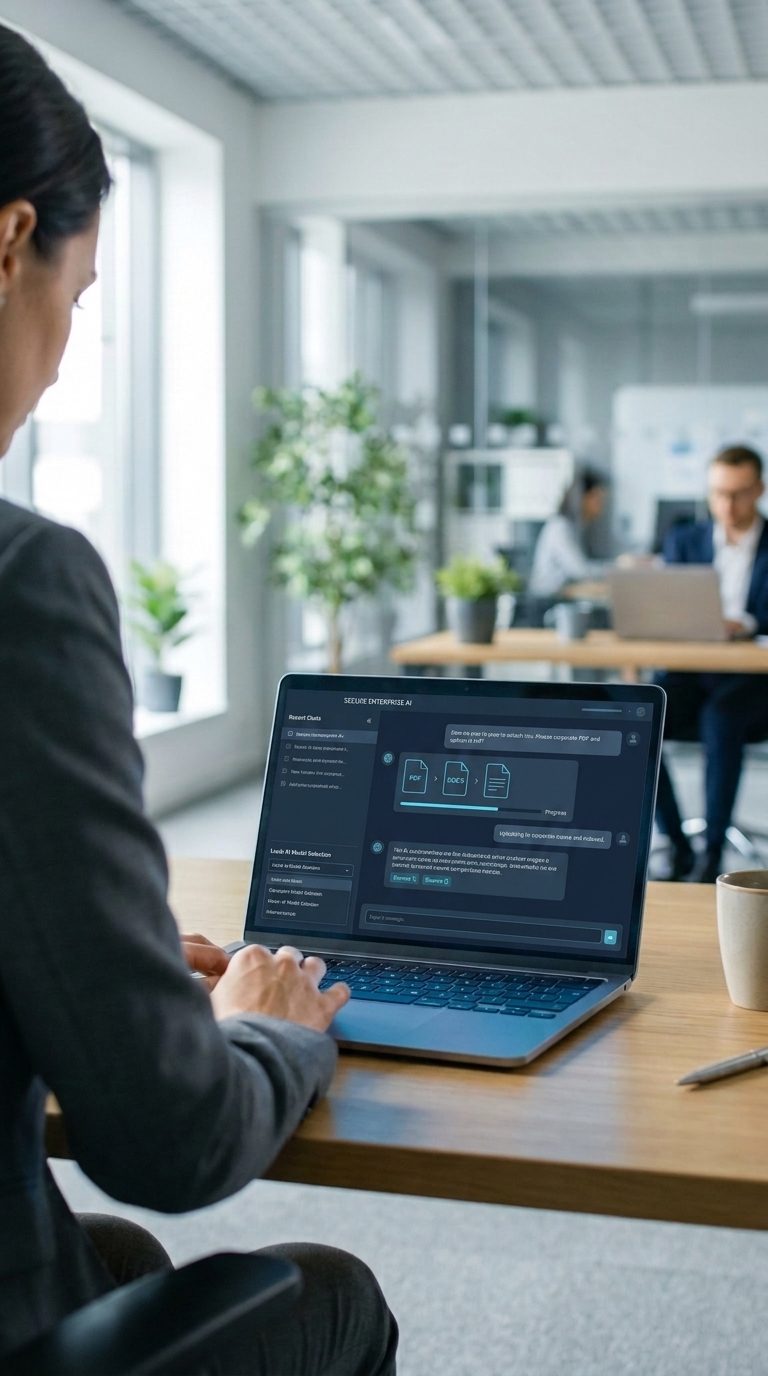
Employees ask questions about procedures, contracts and technical documentation, and the assistant answers based on company resources — citing the source document so the answer can be quickly verified.
Recordings of meetings, calls and consultations are turned into text and concise summaries — entirely on-premises. Important wherever recordings must not leave the organization: in public administration, law firms and HR departments.
Incoming documents, tickets and messages are categorized automatically, and the relevant information is extracted and passed on — instead of being retyped by hand.
Image and video analysis, quality control and work with technical data — without sending recordings or photos outside the company network.
A safe place to test models, prototypes and integrations, plus a local coding assistant that works with your code without sharing it externally.
The same workstation can handle CAD/BIM design and GPU rendering while also working as a local AI node — one investment, two uses.
CAD/rendering workstations →Security and compliance
A local model is only the beginning. Security comes down to permissions, activity logging and where the data goes — which is why we design for them from day one.
Local processing makes it easier to meet GDPR requirements and internal security policies.
See our security architecture →AI as part of your infrastructure
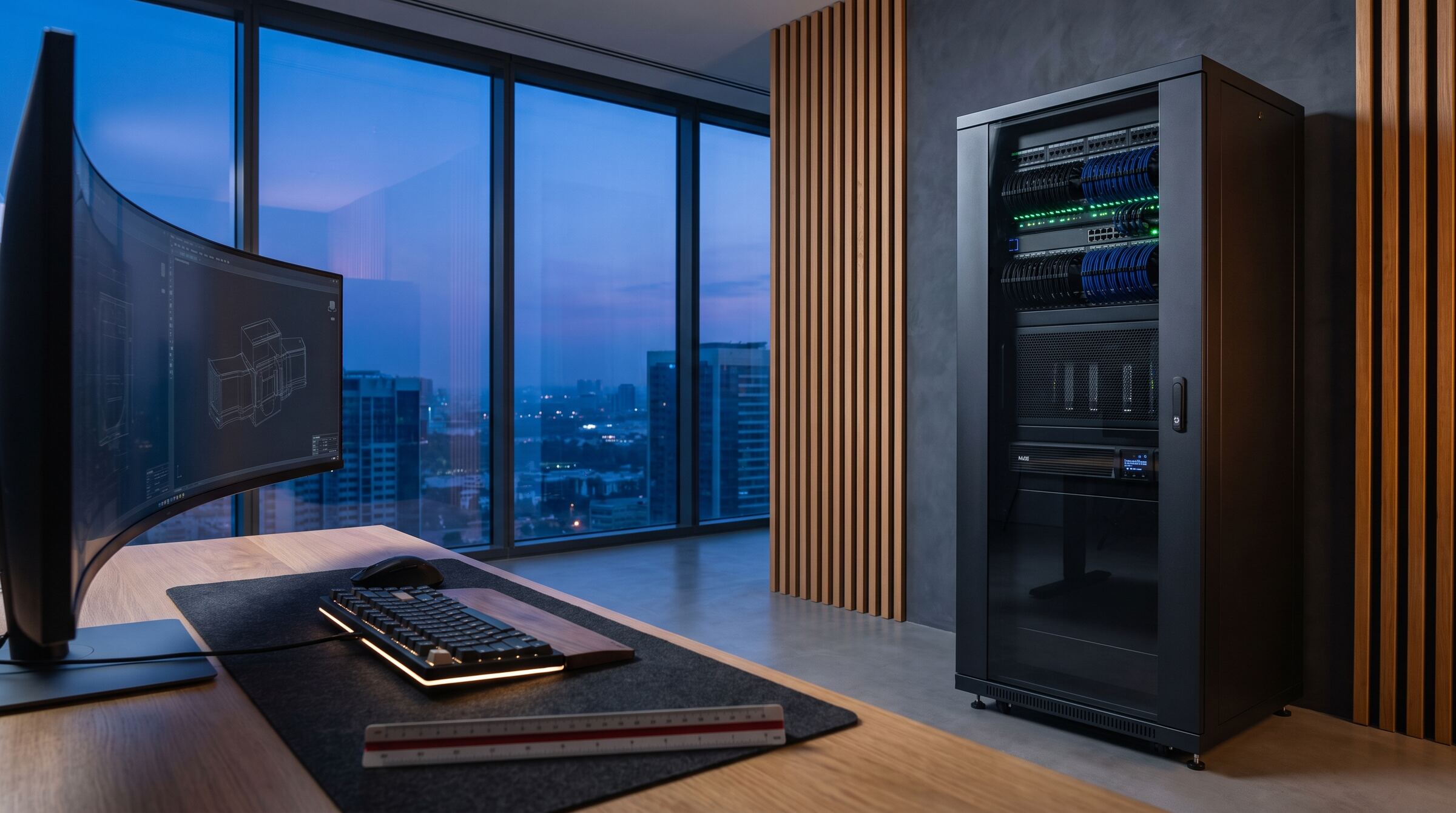
Security, data and user access need to be designed together with the organization’s entire IT architecture.
 IT architecture
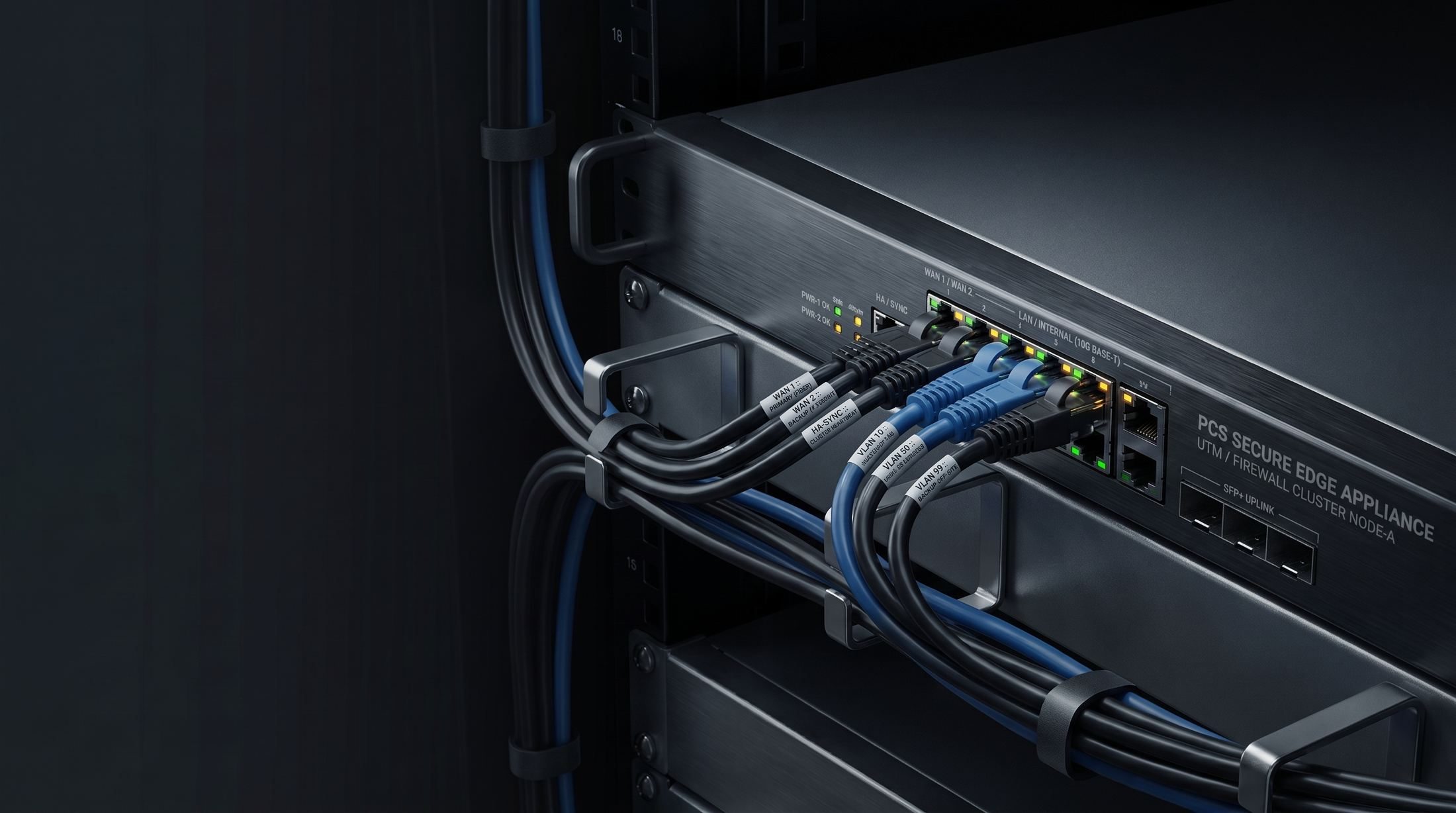
Networking, routing, servers, storage and virtualization as the foundation of the environment.
 Cybersecurity
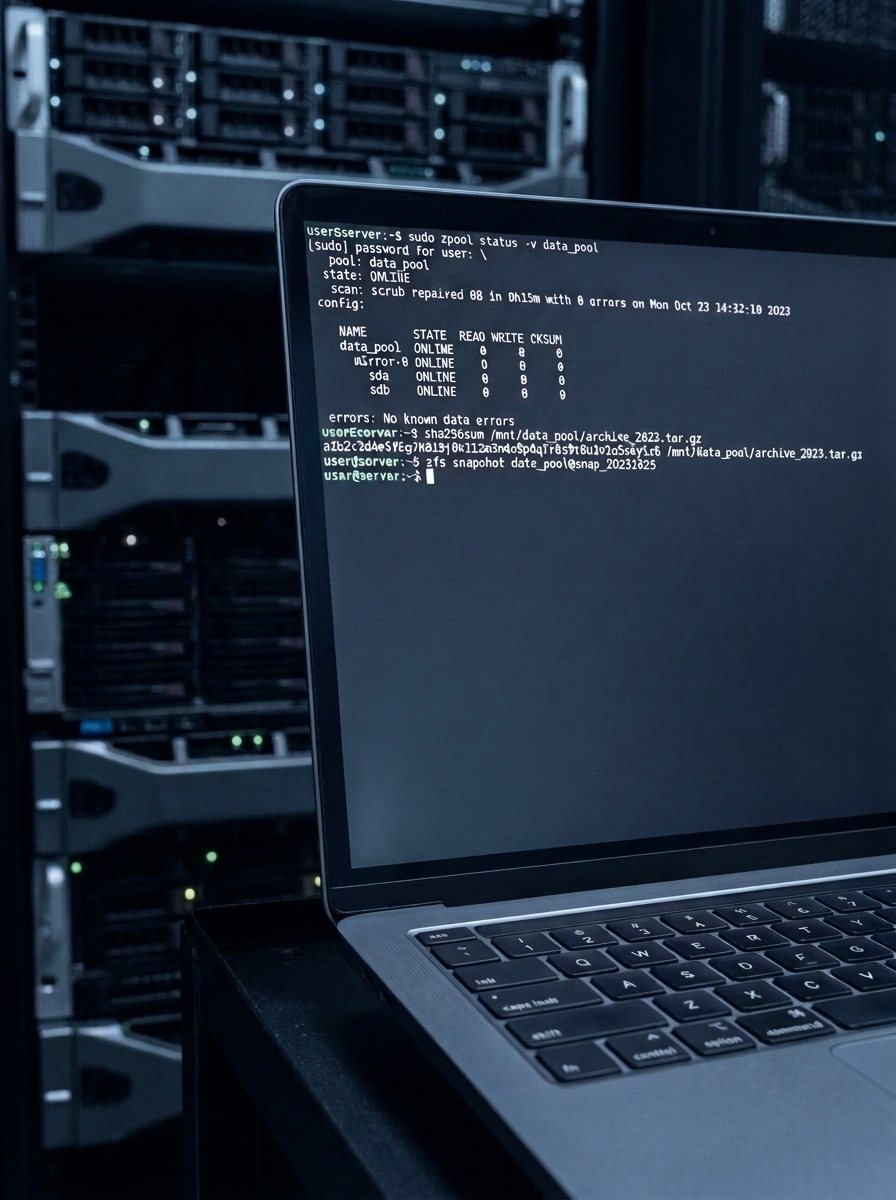
Segmentation, permissions, endpoint protection and data access control.
 Backup and continuity
Local and remote backups, retention and a recovery plan for critical data.
 IT outsourcing
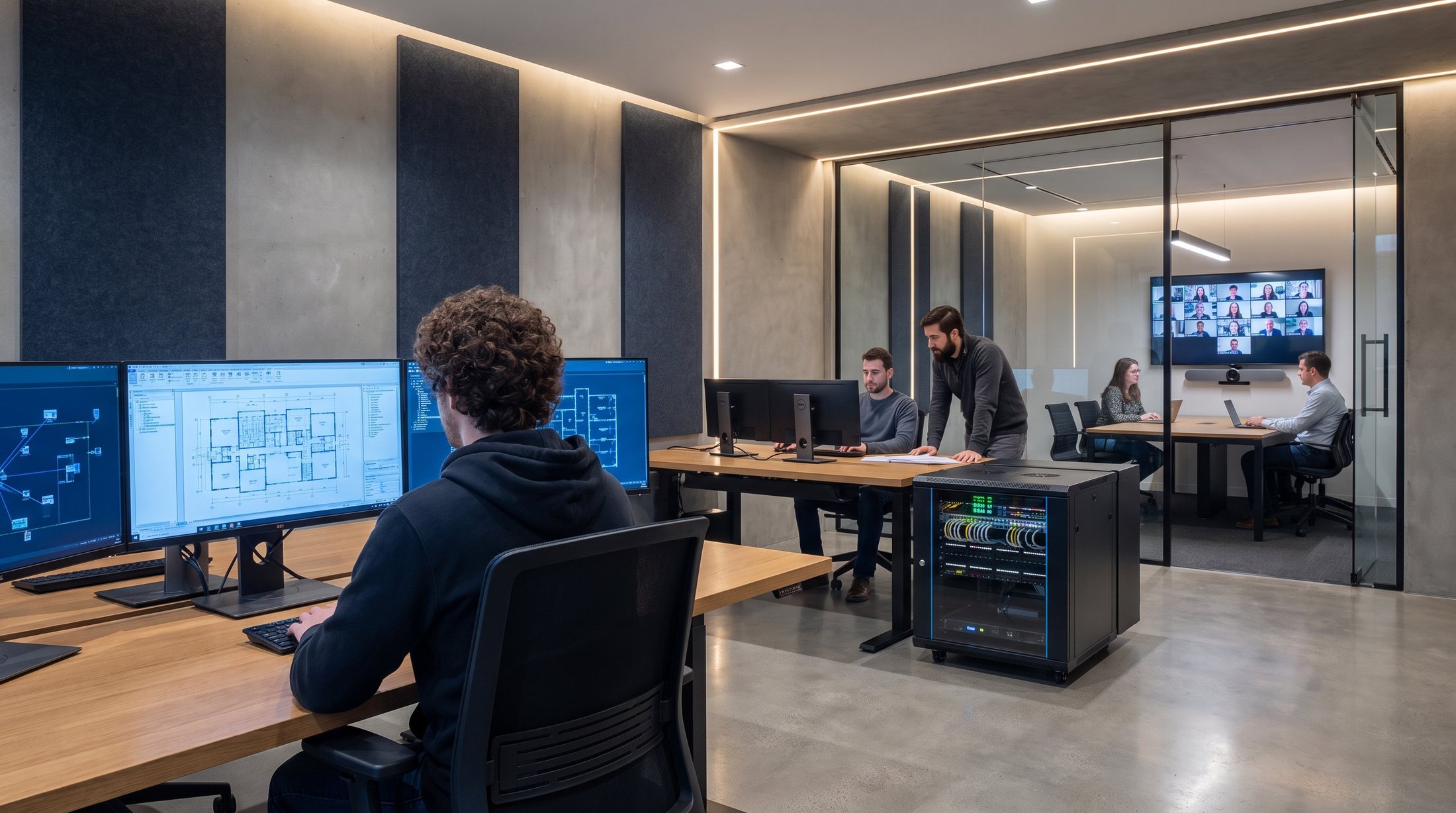
Monitoring, administration, updates and ongoing development of the environment after deployment.
The PCS process
That’s how we avoid a costly configuration that looks good on a spec sheet but doesn’t fit the way you actually work.
We define the use case, data sources, number of users, and security and compliance requirements — before a single graphics card is named.
We match the model to the task first, and only then select the GPU, VRAM and RAM, storage, networking and how users will access the system.
We assemble the configuration and test it for 72 hours under full load, install models and tools, and connect document sources and company-account sign-in.
We monitor usage, update models and software, expand resources and plan further AI use cases.
Let’s talk about a document assistant, meeting transcription, data analysis, image and video, a team environment or an AI lab — we’ll size the compute and configuration to your data and budget.
Confidential needs assessment
Response within 24 hours on business days